Business collection
Use one connected business account when the center is the merchant for its activities.

Provider payment routing
Keep the customer payment route on the same record as the provider, room and booking. The business can collect centrally or route eligible activity revenue to the selected provider.
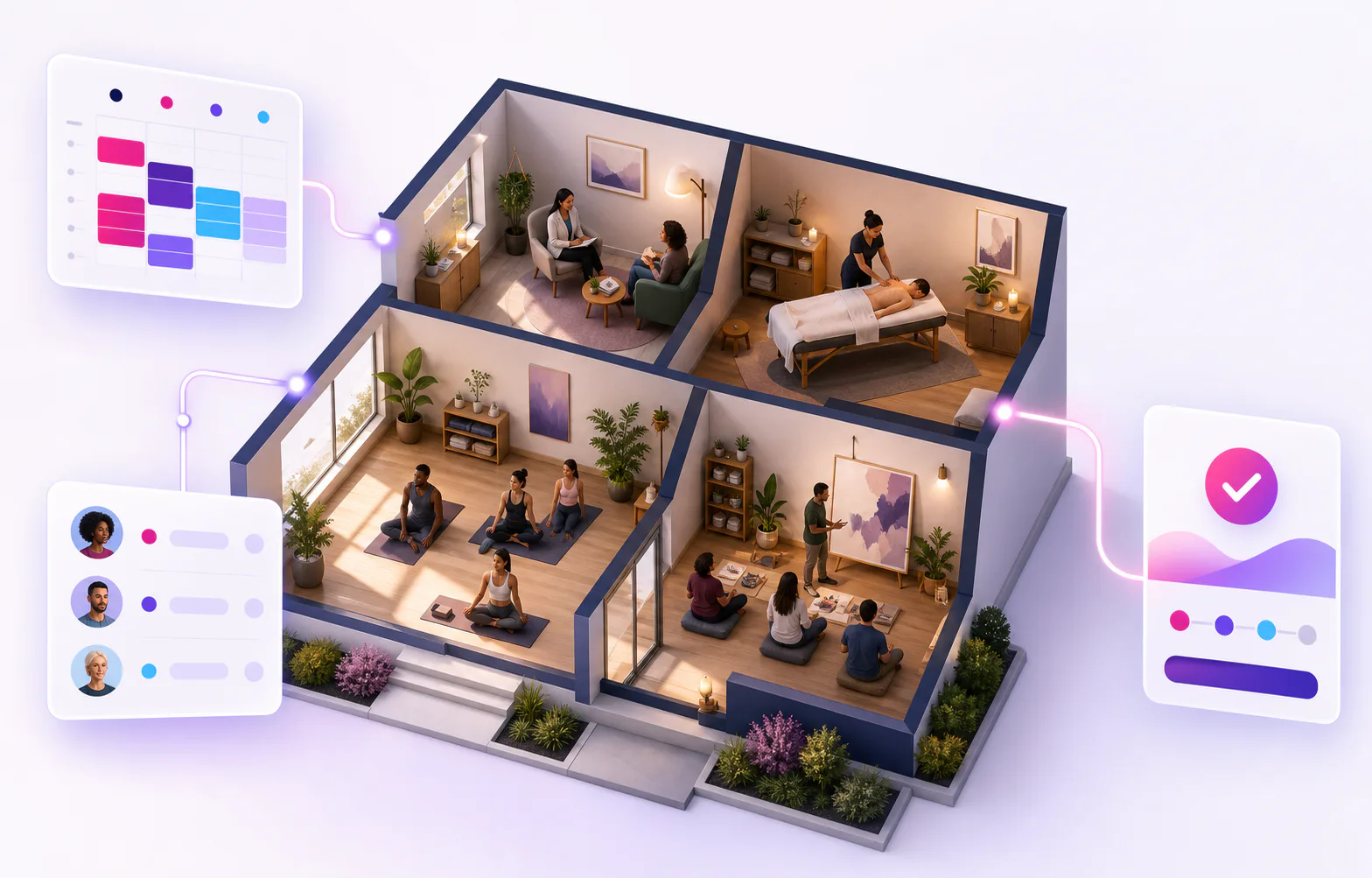
One connected hourly workflow
KickBooker keeps the room, provider, client activity and payment route on one operational record, even when this page focuses on one part of the flow.
Use one connected business account when the center is the merchant for its activities.
Route revenue to the selected activity provider when independent professionals collect their own client payments.
Published payment details remain attached to the activity and order, even when account settings change later.
Configure
The owner chooses whether the business or activity provider is the customer-payment recipient.
Process
KickBooker creates server-owned Checkout terms and confirms paid registrations from signed Stripe webhook events.
FAQ
The business owner chooses one collection model: customer revenue goes either to the business account or to the selected activity provider.
The activity shows its selected payment recipient and whether that connected account is ready to receive payments.
Yes. Orders keep the account captured when they were created, while eligible activities without orders can use the newly selected account for future payments.
KickBooker updates the registration after Stripe confirms the payment. Simply returning from Checkout does not mark it as paid.
Content reviewed 2026-10-18.
Talk to KickBooker
Describe how your providers work and we will map the cleanest collection model.
Explore KickBooker
Start with the workflow closest to your activity business. Every page describes a capability that is part of the same KickBooker business.