One clear activity page
Keep the date, duration, capacity, description and price together so clients know exactly what they are booking.

Hourly online booking
Turn an available room, an approved provider and a defined time into one clear activity page. Clients see the schedule and price, register, and continue to payment when enabled.
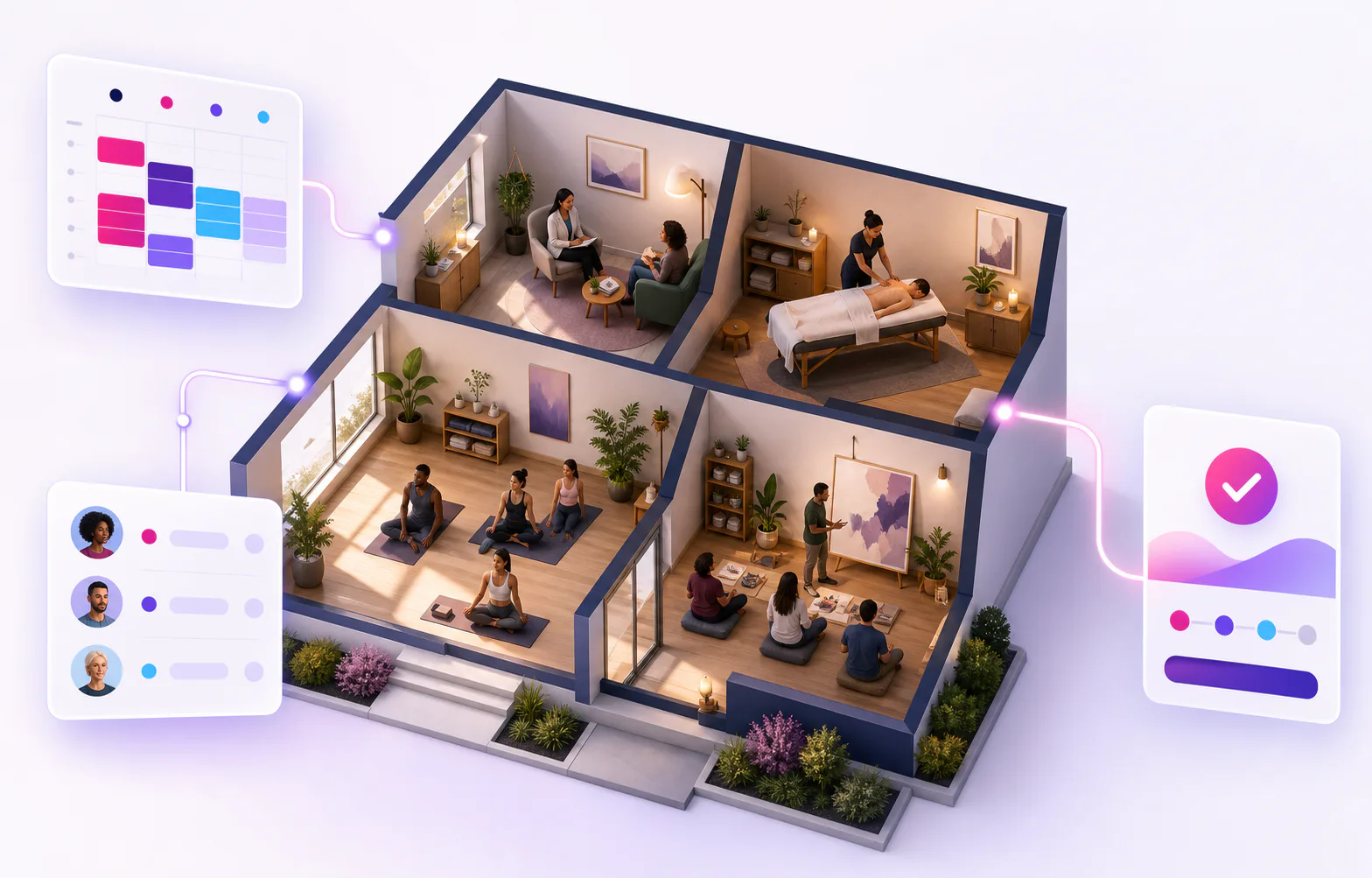
One connected hourly workflow
KickBooker keeps the room, provider, client activity and payment route on one operational record, even when this page focuses on one part of the flow.
Keep the date, duration, capacity, description and price together so clients know exactly what they are booking.
Use the same activity workflow for free sessions and for registrations that continue through online payment.
See registrations, approval states, payment progress and waitlisted participants from the activity view.
Publish
KickBooker connects the internal activity record with a public page and the business calendar.
Register
The registration flow stays attached to the selected session, including its current availability and server-owned payment terms.
FAQ
No. They can register from the public activity page using the participant details requested by the organizer.
The public page shows that capacity is full, and additional registrations can be kept on the waiting list for the business to review.
Yes. When approval is required, a new registration remains pending until an authorized business member accepts it.
Yes. Free registrations finish on the activity page, while eligible paid registrations continue to Stripe Checkout after availability and any required approval checks.
Content reviewed 2026-10-18.
Talk to KickBooker
Tell us what you organize and we will help you choose the right KickBooker setup.
Explore KickBooker
Start with the workflow closest to your activity business. Every page describes a capability that is part of the same KickBooker business.