Long-term rental
One tenant and an agreed monthly rent. A predictable arrangement with fewer changes between occupants.
€1,000 × 1 tenant
Gross per month
€1,000
Hourly space booking software
Automate bookings, provider schedules, room availability and payments. Make more hours bookable — with less administration.
Create your account and set up your first business.
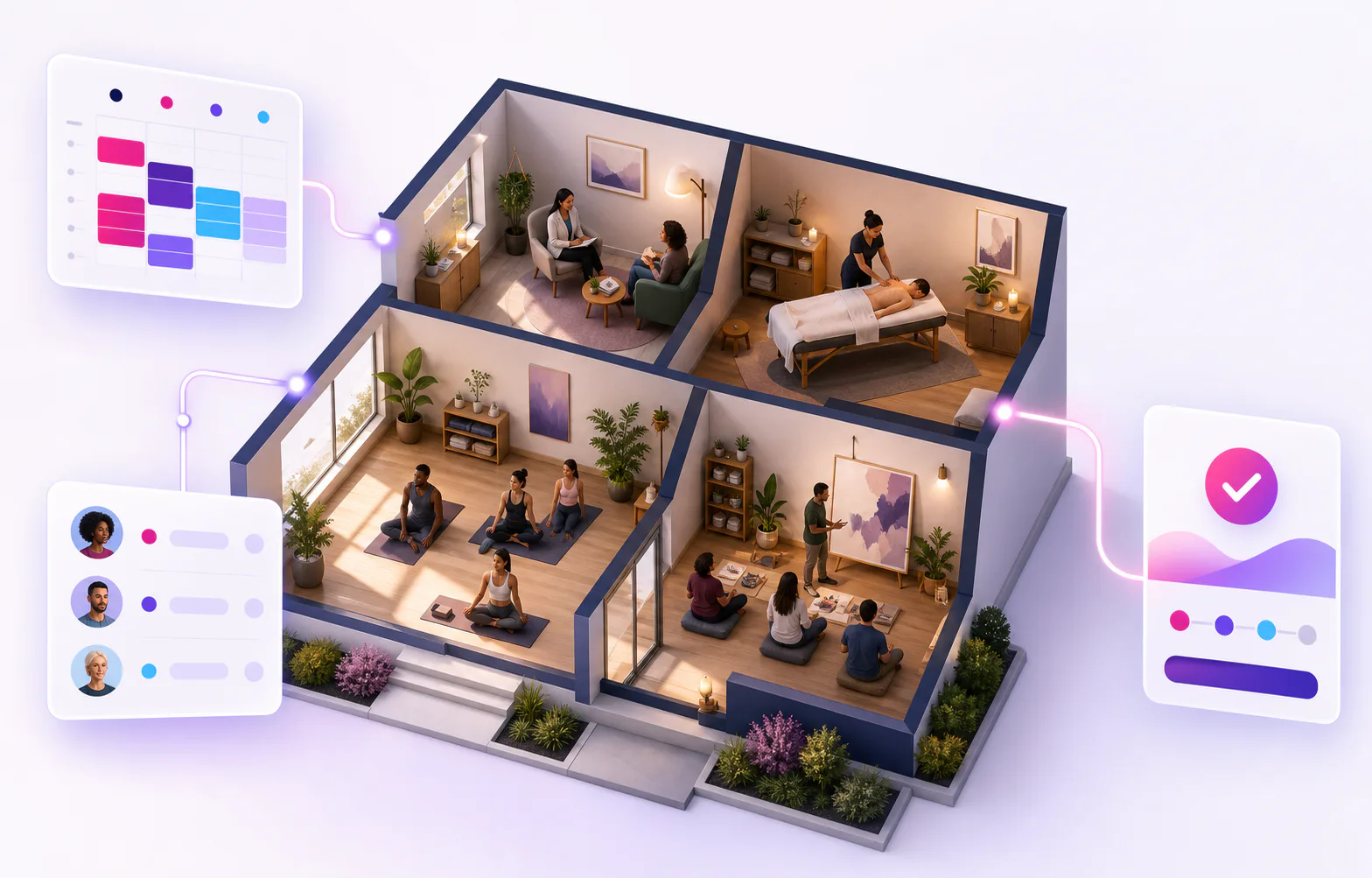
From bookings and payments to provider access at configured entrances — without relying on a reception desk for every session.
Commercial engine
Use the supported setup that fits your operation today. Room rental management and payment rules stay connected to the activity and its reservation.
With enough demand and strong occupancy, hourly rental can create more bookable inventory and potentially more revenue than one long-term tenant or full-day stays. Whether it produces more profit depends on your costs and local market.
Illustrative monthly gross revenue
One room · one month · EUR · example assumptions, not a price recommendation
One tenant and an agreed monthly rent. A predictable arrangement with fewer changes between occupants.
€1,000 × 1 tenant
Gross per month
€1,000
Bookings for whole days or nights, for example through Airbnb. Each booking occupies a larger part of the schedule.
€100 × 12 booked days
Gross per month
€1,200
Several independent providers and paid time blocks in one day. Match shorter sessions with the hours your space would otherwise sit empty.
Built for shared spaces
€20 × 4 booked hours per day × 20 days
Gross per month
€1,600
To match the long-term example
10 day bookings or 50 booked hours
Illustrative gross revenue before costs, taxes and unbooked time. Changes in demand or occupancy change the result.
Airbnb is an example of a rental model, not a KickBooker integration.
One coordinated workflow
Unlike a general appointment calendar, KickBooker coordinates the provider, the room, the client and the commercial workflow around the same activity.
One scheduled activity coordinates
The room and provider are reserved together while registration and payment stay attached to the same activity.

Activity
One coordinated record
A provider-led activity reserves its room while KickBooker checks room and provider conflicts independently — including provider conflicts across businesses.
Find your setup
Choose the setup closest to yours. See how one hourly booking coordinates the provider, room, client and payment without forcing every space into the same schedule.
Selected operating model
Coordinate private consultations across therapists and shared rooms without relying on separate calendars.
Operational result
The therapist and consulting room are reserved together; client registration and payment stay attached to the same activity.
One booked hour coordinates
Private 1:1 consultation
Provider
Availability
Room
Availability
Client
Registration
Payment
State
Selected operating model
Make treatment-room hours bookable for massage, bodywork, coaching and holistic providers.
Operational result
The selected provider, room and client booking share one schedule, while the center keeps visibility over the space.
One booked hour coordinates
Provider-led treatment hour
Provider
Availability
Room
Availability
Client
Registration
Payment
State
Selected operating model
Match instructors, rooms and class capacity for one-off or repeating group sessions.
Operational result
KickBooker keeps the instructor, studio, class capacity and registrations aligned for the selected session.
One booked hour coordinates
Instructor-led class
Provider
Availability
Room
Availability
Client
Registration
Payment
State
Selected operating model
Run consultations, classes and workshops in the same space while each activity keeps the right room and provider.
Operational result
Consultations, classes and workshops can share one room calendar without losing their own provider, capacity or payment setup.
One booked hour coordinates
Flexible room schedule
Provider
Availability
Room
Availability
Client
Registration
Payment
State
Built to grow with your space
The same business can coordinate more rooms, approved providers and activities as your center grows—while keeping each schedule in one operational view.

Autonomous operations
Move each provider-led session from booking to a reserved room and an authorized access window with fewer manual handovers.
Access follows the configured activity window
KickBooker can connect configured business entrances through Nuki or SwitchBot. Access is limited to business owners/admins and the assigned provider during the allowed activity window.
A connected path from booking to session
Client guest access, automatic guest codes and individual room-lock mapping are not currently part of this workflow.
See permissions and securityFor independent professionals
Start with your own services and client bookings, then join approved shared spaces when each business invites or approves you.
Ask KickBooker
Choose a topic and describe how your rooms and providers work. We will reply with a practical answer for your workflow.
Shared spaces, clearly coordinated
Create your account and set up the first business for your therapy, wellness or activity center.